
Spoken V1.07 Release Notes: Streamlined Downloads, Improved Voice Discovery, and Performance Enhancements
Spoken v1.07 focuses on workflow refinement and usability improvements that make Studio faster, clearer, and more intuitive to use day to day. This release introduces direct downloads from Studio, improves voice discovery during character assignment, and includes a number of bug fixes and performance upgrades across the platform. One click closer to sharing your story.
Direct Downloads from Studio
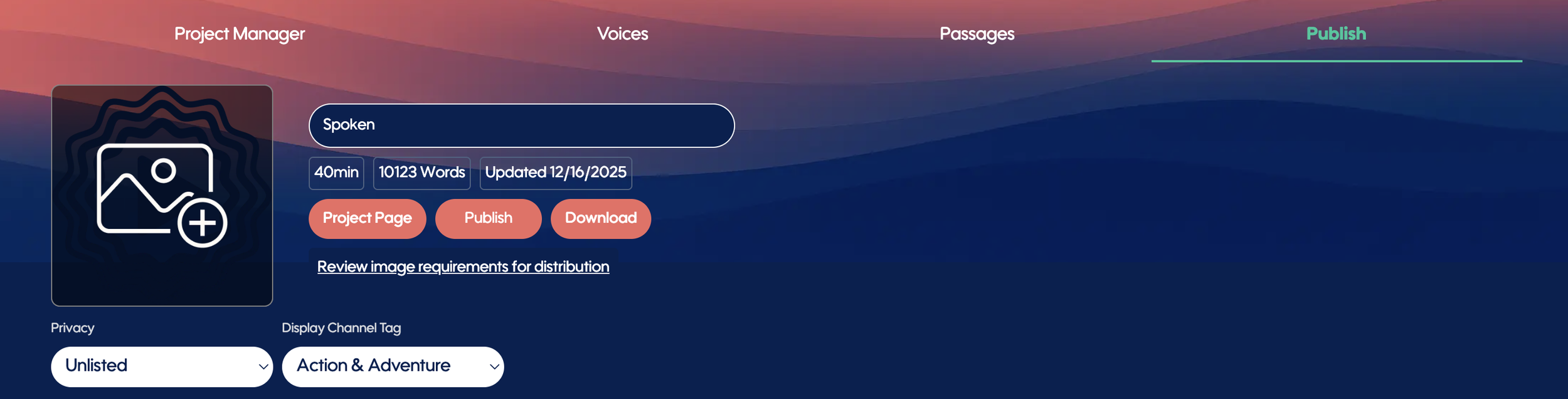
You can now download your published audiobook files directly from the Publish tab inside Spoken Studio.
Once one or more installments are published, the Download button will appear alongside Publish, positioned next to your cover art. This allows you to access available file formats immediately, without navigating back to the project page.
This update streamlines the final steps of production and keeps your workflow focused on creating, publishing, and distributing your work.
Improved Voice Discovery When Selecting Character Voices
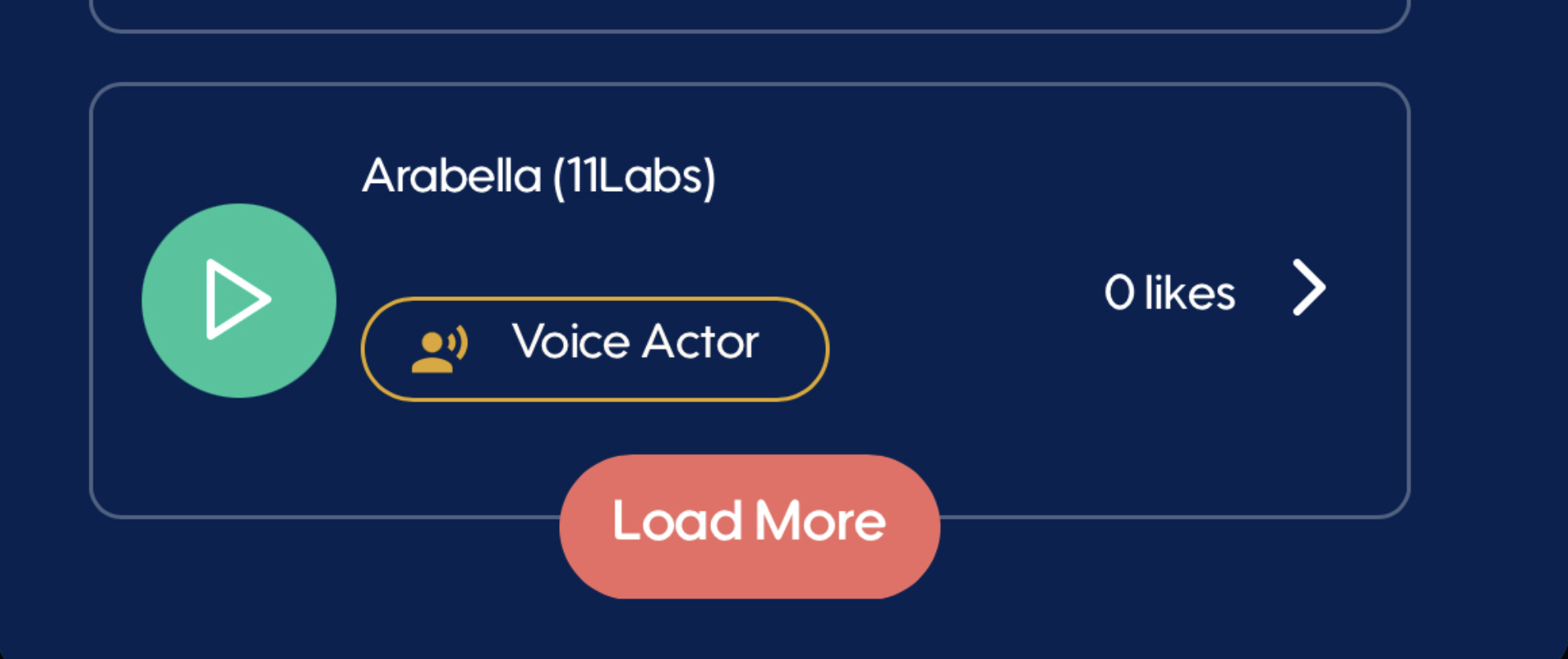
The voice selection list on the Voices tab has been improved when selecting a character voice.
A new Load More button now appears at the bottom of the voice list, making it more intuitive to browse and reveal additional voices from the library during character voice selection. This reduces friction and improves discoverability as the voice library continues to grow.
Bug Fixes and Performance Improvements
This release includes a number of bug fixes and general performance optimizations designed to improve stability, responsiveness, and overall reliability across Spoken Studio.
Spoken v1.07 — Polished Workflows, Less Friction
With faster access to downloads, clearer voice discovery during character setup, and under-the-hood improvements, v1.07 continues our focus on removing friction from audiobook creation and publishing while maintaining a clean, intuitive Studio experience.
